Table of Contents
A hotspot needs both a device and a data plan. A free device does not mean unlimited free internet, and Lifeline approval does not guarantee a dedicated hotspot.
Types of hotspot access
- Phone hotspot: shares a phone’s connection if the device and plan allow it.
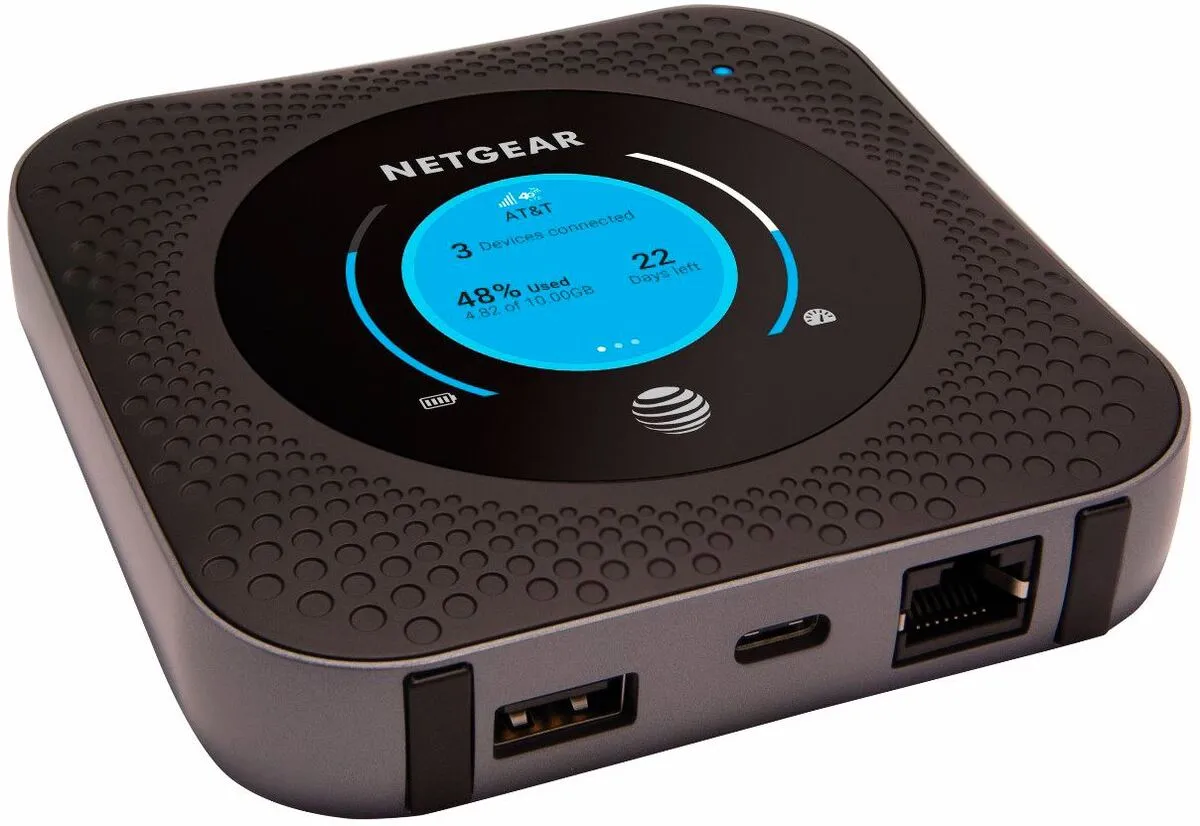
- Dedicated hotspot: a portable router that needs a compatible data plan.
- Library or school loan: equipment lent for a set period, with local eligibility and use rules.
Check coverage where you will use it, high-speed data limits, speeds after the allowance, and the number of supported devices.
The ACP option is closed
The Affordable Connectivity Program (ACP) ended on June 1, 2024. Its internet and device discounts are no longer available, and new applications are closed. Old instructions to apply for an ACP hotspot, free tablet, or $30 monthly discount are obsolete.
Check current assistance
Lifeline has separate eligibility rules: household income at or below 135% of the federal poverty guidelines, or participation in SNAP, Medicaid, SSI, Federal Public Housing Assistance, Veterans Pension and Survivors Benefit, or specified Tribal programs. Former ACP enrollment alone does not qualify a household.
Use USAC’s directory and ask the provider whether its eligible plan supports the hotspot use you need. Lifeline reduces qualifying service costs; a device promotion is separate.
Ask your school or public library whether it lends hotspots and whether it currently has stock. Confirm the return deadline, data allowance, and responsibility for loss or damage. Check PCs for People’s internet options and Human-I-T for their own current offers and eligibility.
Before paying or enrolling
Get the complete device and service price. Check activation, taxes, shipping, equipment returns, and cancellation costs. Do not rely on an old provider list or promised ACP subsidy when choosing a plan.