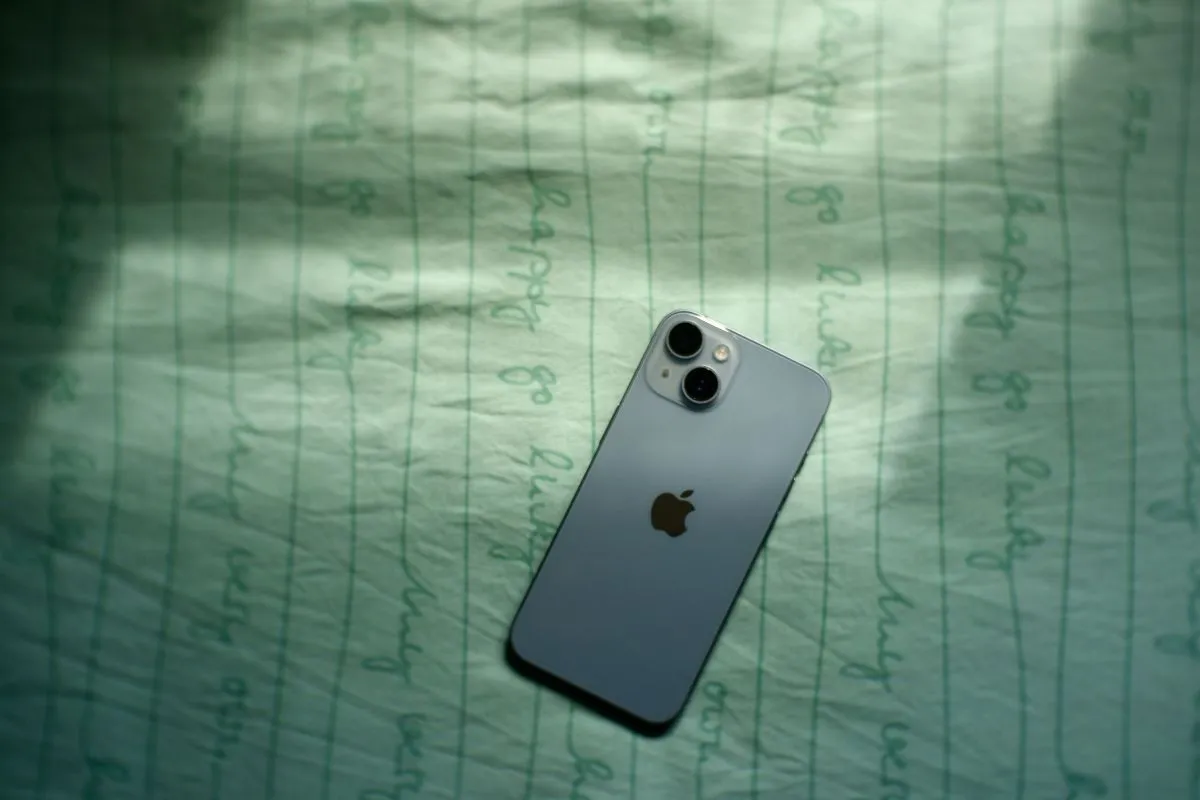
SIM Card Inserted But No Service iPhone: Fix Carrier Error
Sometimes an iPhone may show signal bars disappearing or display a connection error even when the SIM card is properly inserted.
Read MoreSometimes an iPhone may show signal bars disappearing or display a connection error even when the SIM card is properly inserted.
Read MoreMany people switch from Android phones to iPhones and wonder if they can keep using their current SIM card.
Read MoreMany iPhone users wonder whether their device can still function without a SIM card installed.
Read MoreApple has gradually shifted its iPhone lineup from traditional SIM cards to digital eSIM technology.
Read MoreMany modern smartphones allow users to manage more than one mobile number on the same device, and the dual SIM iPhone feature makes this possible in a…
Read MoreSetting up mobile connectivity is one of the most important steps when you start using a new device.
Read MoreMany iPhone users may need to check their SIM information when activating a new mobile plan, transferring service to another device, or troubleshooting.
Read MoreMany iPhone users may need to remove their SIM card when switching carriers, upgrading to a new device, or troubleshooting network issues.
Read MoreA SIM free iPhone is an iPhone that is not locked to any particular mobile phone service provider.
Read MoreAn iPhone SIM card is a small but significant part of your device that enables your iPhone to connect with a mobile operator’s network.
Read MoreIf your calls are being redirected to another number, you may need to learn how to turn off call forwarding so incoming calls ring directly on your phone.
Read MoreUnderstanding how to call forward on iPhone can help you redirect incoming calls to another phone number when you are unavailable to answer them.
Read More